

Home / Technology / Google's Desktop App: More Gemini Portal Than Search
Google's Desktop App: More Gemini Portal Than Search
15 Apr
Summary
- New Google app for Windows offers quick Gemini access via Alt + Space.
- The app struggles to replace desktop search or file manager functions.
- It integrates Gemini AI for summaries and on-screen content analysis.
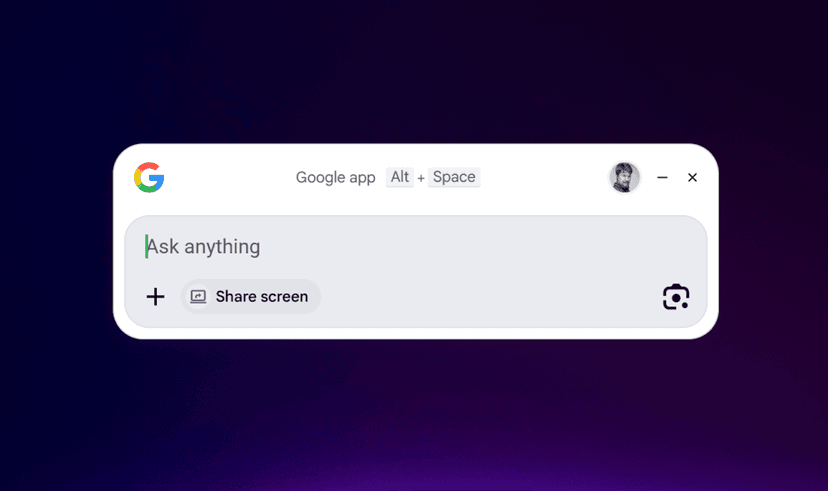
Google has launched a new, free desktop application for Windows users, designed to provide quick access to its Gemini AI. This application, typically hidden and summoned by pressing Alt + Space, aims to offer a streamlined way to interact with Google's AI services. When launched, it immediately directs users towards Gemini, either for general queries or to analyze content on the user's screen.
Despite its search-centric heritage, the app's functionality as a comprehensive desktop search tool is questionable. While it can access local files and those stored in Google Drive, it fails to index or search other cloud services like OneDrive or even Google Photos effectively. In direct comparisons, Windows' built-in search function retrieved more local content during testing.
Users can leverage the app to share their screen or entire display, allowing Gemini to identify elements and suggest actions, similar to Microsoft's Copilot. In comparative tests, the Google app demonstrated better on-screen analysis capabilities than Microsoft's offering, successfully identifying cards in a Solitaire game, though it experienced occasional inaccuracies.
Ultimately, the Google desktop app appears to function more as an enhanced portal for Gemini interactions rather than a true replacement for traditional desktop search or file management applications like File Explorer. Its primary utility lies in facilitating Gemini queries and on-screen content assistance.
