Home / Technology / Gemini Now Multitasks: Android AI Gets Dynamic
Gemini Now Multitasks: Android AI Gets Dynamic
8 Sep
Summary
- Gemini on Android can now minimize, allowing app multitasking.
- Users can continue other tasks while Gemini processes prompts.
- This multitasking feature began rolling out on September 4.
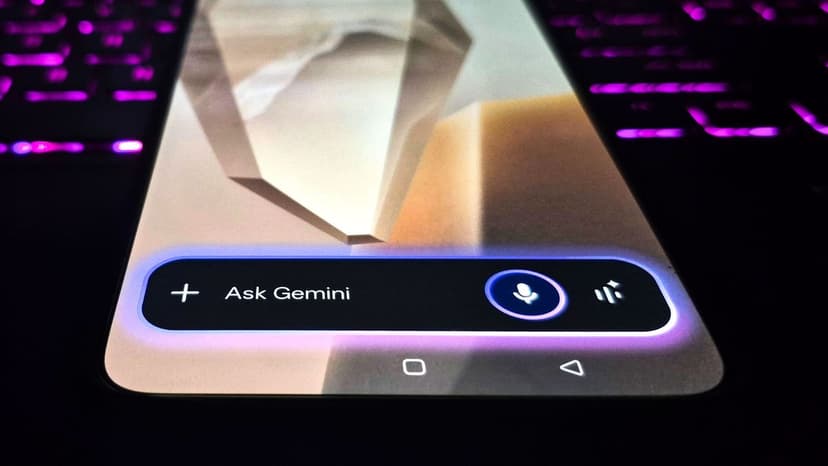
Google Gemini on Android devices has received a significant update, enabling users to multitask while the AI processes requests. Previously, the Gemini overlay demanded full screen attention, halting other app usage until tasks were complete. This new feature allows users to minimize Gemini to a bubble, continuing with activities like checking emails or social media.
The update, which started its rollout on September 4, introduces a 'Minimize' button above the Gemini bar. A pop-up message informs users that Gemini remains active in the background, and the bubble can be tapped to re-expand, dragged to reposition, or swiped to dismiss.
This evolution positions Gemini as a dynamic background module rather than a stationary tool. The feature builds upon previous 'screen automation' capabilities for multi-step tasks within specific apps. The rollout applies to devices including Pixel 10 series, Samsung Galaxy S26 series, Z Flip 8, and Z Fold 8.


