Home / Technology / Apple AI: Turn Off Unwanted Features Now
Apple AI: Turn Off Unwanted Features Now
31 Aug
Summary
- Apple Intelligence features can consume up to 7GB of device storage.
- A small percentage of US smartphone owners upgrade for AI features.
- Users can disable Apple Intelligence entirely or specific features.
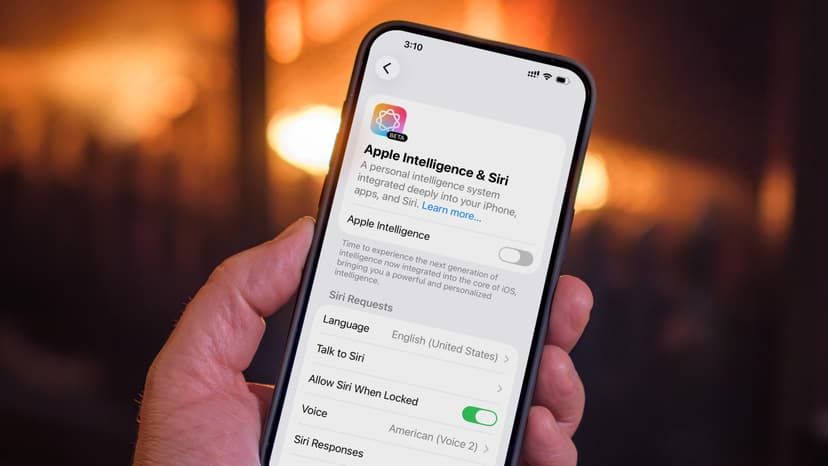
Apple Intelligence, integrated into iOS 18.1 and later, runs by default on compatible iPhones and Macs, consuming device resources even if unused. Users can disable these AI features to reclaim storage, as some elements like Image Playground can use up to 7GB. Surveys indicate a limited uptake of AI features among US smartphone owners, with many not finding them valuable or preferring to avoid potential inaccuracies. While Apple Intelligence works on specific models including iPhone 15 Pro and M-series Macs, users can disable it system-wide via Settings > Apple Intelligence & Siri. This action disables tools like Writing Tools, Genmoji, and Image Playground but preserves other functions. Individual features can also be turned off within their respective app settings.


