


Home / Technology / Google Chrome AI Mode Gets Smarter Tab Handling
Google Chrome AI Mode Gets Smarter Tab Handling
16 Apr
Summary
- AI Mode now offers a side-by-side interface for browsing and querying.
- Users can prompt AI Mode to consider existing tabs in new searches.
- The update aims to reduce tab switching and improve user focus.
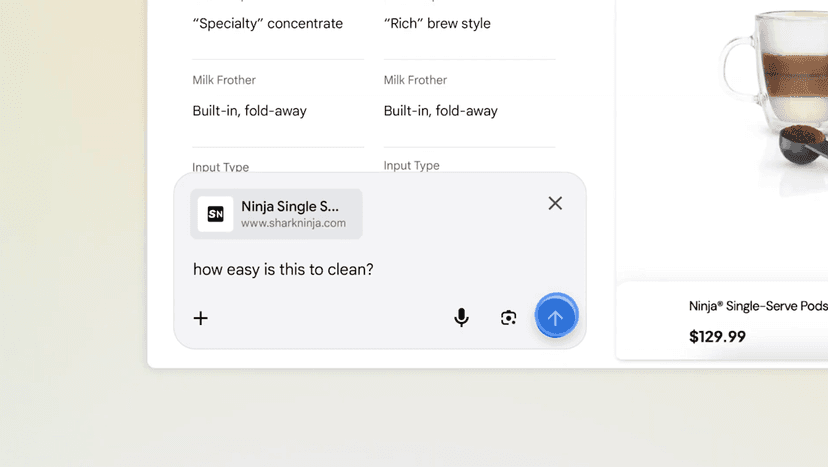
Google is rolling out an update to AI Mode in Chrome for desktop, enhancing its ability to interact with and understand browser tabs. This new feature, available to users in the US, introduces a side-by-side interface. When a user clicks a link, this interface opens, enabling them to browse the new webpage while simultaneously asking questions of AI Mode, maintaining the context of the original search.
This expanded context allows for more intuitive queries. For instance, if researching a product, users can click on a specific item and ask detailed questions about it without needing to re-specify the product name. Furthermore, the update allows AI Mode to consider existing tabs, or even other documents like PDFs and images, for new searches. Users can initiate this by selecting an option from the redesigned Plus menu, a feature designed to reduce tab switching and improve user focus.
Google reports that initial testing indicates users found these integrations beneficial for concentration and efficiency. This development represents a broader strategy by Google to integrate practical AI capabilities directly into its web browser. The company plans to expand these updates globally in the near future, making more advanced AI features accessible worldwide.
