

Home / Technology / New Android Update: See Emergency Alert Zones
New Android Update: See Emergency Alert Zones
2 Apr
Summary
- Wireless Emergency Alerts now feature a map view for better location context.
- Users can check proximity to the alert's impacted area.
- Critical alerts may override Do Not Disturb and volume settings.
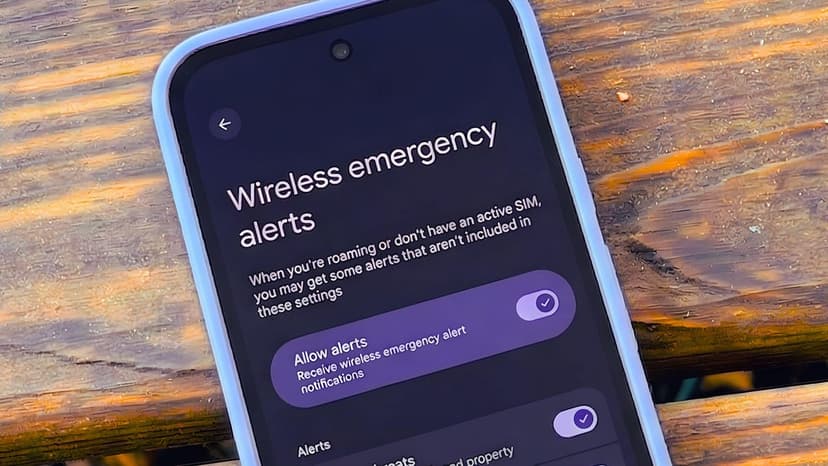
Android users benefit from a significant update to their Wireless Emergency Alerts (WEA), enhancing their utility and life-saving potential. A recent system update, revealed in a changelog, introduces a map view to WEA notifications.
This new feature allows users to visualize the precise geographic area covered by an alert and their current location relative to it. Previously, alerts for "your area" could be ambiguous, potentially covering vast distances. The map view offers crucial clarity.
While not all alerts will override sound settings, Google indicates that the "most critical alerts" may sound at full volume. This functionality is particularly relevant for users who typically silence their phones during sleep or other times.
Users can customize alert preferences by navigating to Settings > Safety & emergency > Wireless emergency alerts. Options include disabling certain alert categories, like AMBER alerts, to prevent unnecessary disturbances. The feature "Always alert at full volume" allows for prioritization.

