Home / Technology / Samsung's XR Headset: A Productivity Game-Changer?
Samsung's XR Headset: A Productivity Game-Changer?
5 Dec, 2025
Summary
- Galaxy XR headset offers spatial app positioning for up to five apps.
- External devices like keyboards and mice connect seamlessly via USB-C.
- The headset provides clear, customizable displays for extended work sessions.
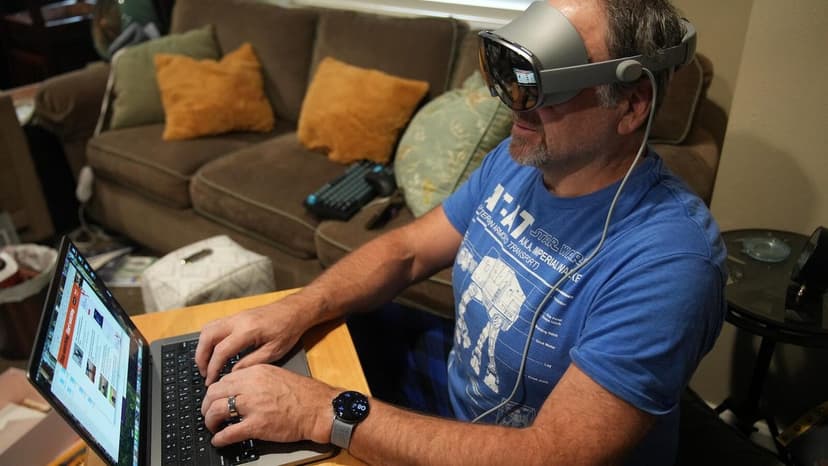
Samsung's Galaxy XR headset is emerging as a compelling device for professionals seeking enhanced productivity, especially during travel. Its capability to spatially position up to five applications around the user significantly streamlines workflow, eliminating the need to constantly open and close windows.
The headset supports essential native Android XR apps, including Google Docs and Microsoft Office, along with web browsing through Samsung Internet. While hand tracking is not yet perfectly reliable, the seamless integration with external keyboards and mice via USB-C offers an efficient navigation solution.
Beyond individual use, the Galaxy XR is finding applications in enterprise training and design, allowing for immersive learning and project reviews. Its comfortable design and clear, customizable displays contribute to extended work sessions without visual fatigue, positioning it as a viable alternative to other XR solutions.