

Home / Technology / iPhone Keyboard Chaos? Fix Texting Errors Now!
iPhone Keyboard Chaos? Fix Texting Errors Now!
2 Apr
Summary
- iOS 26.4 resolves a bug causing rapid typing errors.
- Corrupted typing data fills the keyboard dictionary.
- Resetting the dictionary improves typing accuracy over time.
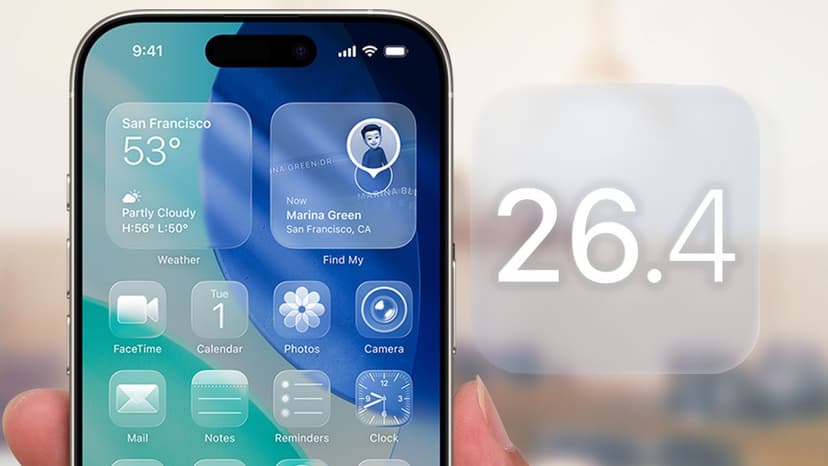
For months, iPhone users experienced significant typing frustrations due to a persistent keyboard bug. Rapid typing led to numerous typos and incorrect inputs, making texting feel unreliable. iOS 26.4 has now corrected the core issue, preventing the keyboard from registering faulty keystrokes during fast typing.
Despite the software fix, a secondary problem persists: the iPhone's keyboard learned and saved incorrect typing patterns while the bug was active. This corrupted data resides in your keyboard dictionary. To fully resolve typing inaccuracies, users must manually reset this dictionary following the iOS 26.4 update.
Initially, after resetting, autocorrect and predictive text suggestions may seem less tailored. The keyboard needs time to relearn your personal abbreviations, nicknames, and common phrases. This temporary inconvenience is outweighed by the benefit of purging months of erroneous typing data. Within a few days of regular use, the keyboard will adapt and offer accurate, personalized suggestions again.
