Home / Technology / Turn Off Google's AI Search? Workarounds Emerge
Turn Off Google's AI Search? Workarounds Emerge
13 Dec
Summary
- Google's AI Overviews are now widely available in the US.
- The feature has generated bizarre and inaccurate suggestions.
- Users can bypass AI Overviews using specific browser tabs.
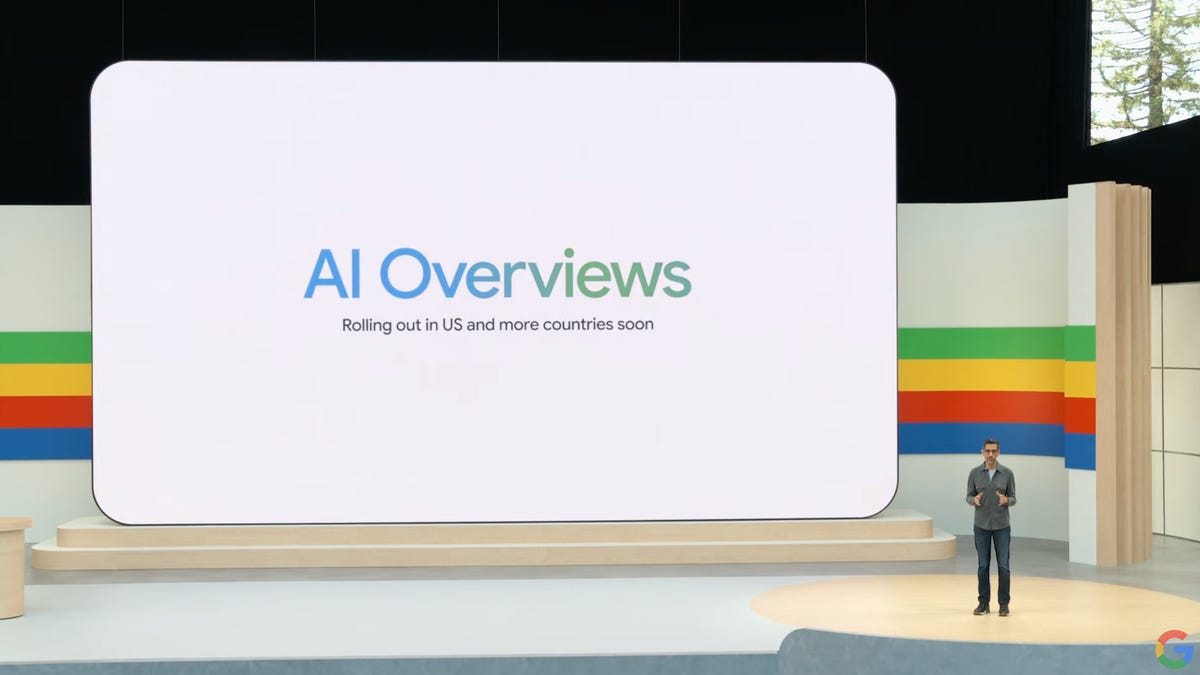
Google's AI Overviews, which present AI-generated summaries at the top of search results, are now a permanent fixture for users across the United States. These summaries are powered by Google's Gemini generative AI model, but have faced significant criticism for providing inaccurate and sometimes alarming information, including bizarre advice like consuming glue or urine. The company began testing this feature in Search Labs before its broader rollout, which is expected to reach over a billion people globally by the end of the year.
While Google has not provided a direct setting to disable AI Overviews within its core search or Chrome settings, workarounds are available. Users can navigate to the 'Web' tab, typically found alongside 'All,' 'News,' and 'Images' in the search results. This option allows for a return to traditional link-based results, though an AI summary may still initially appear. For desktop users, the 'Web' tab can be set as the default search view.
Further alternatives include utilizing different web browsers. Reports indicate that AI Overviews do not appear for queries made in Safari and Firefox on desktop computers, offering another method for users to avoid the AI-generated content. These workarounds provide some relief for those concerned about the accuracy and presence of AI Overviews in their daily search experience.