Home / Technology / ColorOS 17: Visual Flow Transforms Your Phone Experience
ColorOS 17: Visual Flow Transforms Your Phone Experience
29 Sep
Summary
- ColorOS 17 emphasizes fluid animations for app launches and multitasking.
- New visual transitions connect app openings and closings to user actions.
- Drag-and-drop features and orientation changes are smoother in ColorOS 17.
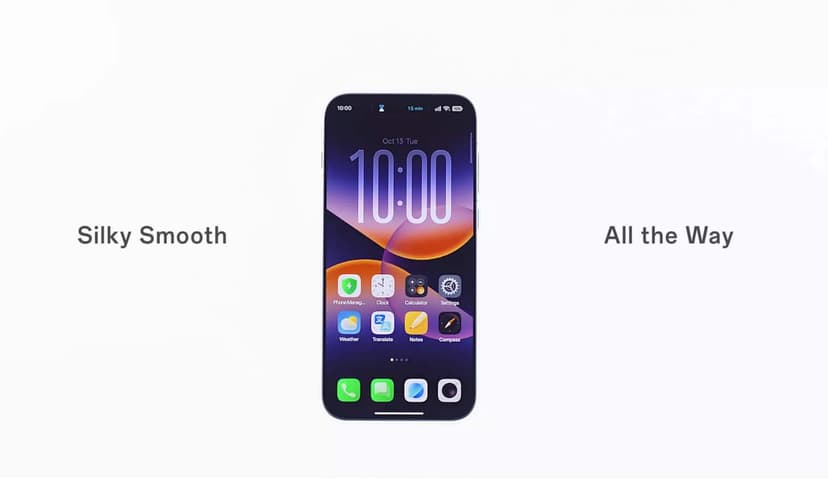
OPPO has provided a closer look at ColorOS 17, emphasizing its refined approach to animations and interface transitions. A recent video highlights how visual elements move fluidly, connecting actions like swiping from a lock screen to the home screen without abrupt changes.
The upcoming software update enhances app launches and exits by animating icons into full-screen windows that contract back to their origin. This aims to make interactions feel more intuitive and directly tied to user input, a key aspect of daily smartphone use.
ColorOS 17 also introduces improved multitasking capabilities. Users can expect smoother drag-and-drop interactions between applications, allowing for direct content transfer while apps remain active. The interface also adapts more gracefully to orientation changes, maintaining the flow of other on-screen elements.
While this preview focuses on visual polish and interaction design, more comprehensive details about ColorOS 17's features are anticipated before its official release. The update builds upon ColorOS 16's performance enhancements by refining the visual response to user actions.


