Home / Technology / Clipchamp Now Needs OneDrive for Editing
Clipchamp Now Needs OneDrive for Editing
19 Mar
Summary
- Clipchamp projects now require OneDrive for continued editing.
- Local saves are archived and no longer editable in Clipchamp.
- Media files themselves do not always need cloud synchronization.
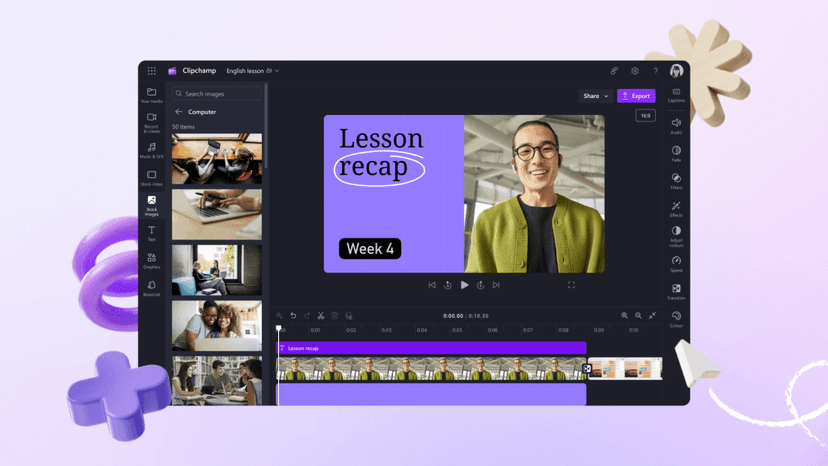
Microsoft is altering the functionality of its free Windows 11 video editor, Clipchamp. Users will now find that Clipchamp projects must be saved to Microsoft's OneDrive cloud storage to enable continued editing.
This change means that any project files saved locally on a computer are archived and cannot be reopened for further edits. To resume work on these projects, users must first transfer them to their OneDrive account.
Consequently, Clipchamp's full functionality is now tied to OneDrive synchronization. New projects created within the application are automatically directed to the user's OneDrive. Microsoft has clarified that the media assets, such as video clips and images, used within these projects do not inherently require cloud syncing.