Home / Technology / Claude AI: Copy AI Memories Instantly
Claude AI: Copy AI Memories Instantly
3 Mar
Summary
- Claude AI now allows users to import memories from other AI services.
- This feature simplifies switching to Claude without losing personal context.
- Users copy instructions to export memories from services like ChatGPT.
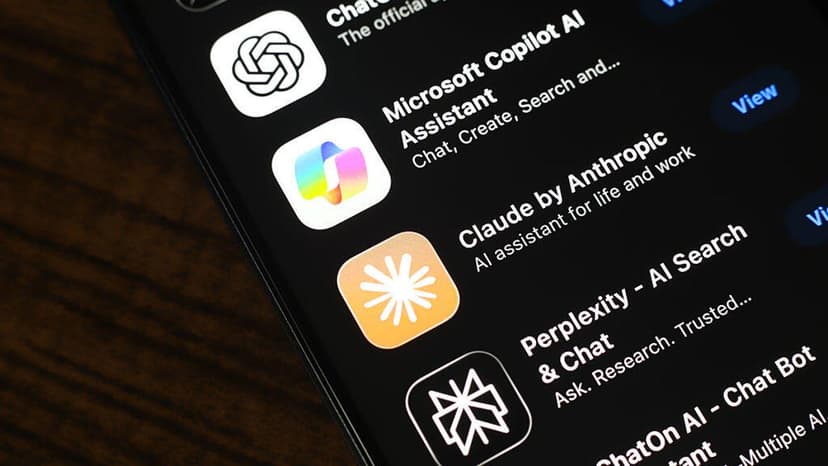
Anthropic's Claude AI now offers a memory import option, simplifying the process for users to transfer their AI memories from other services. This new feature aims to make switching to Claude seamless, eliminating the need to rebuild personal context. Users can initiate the import by accessing Claude's memory import page or through the settings menu.
The process involves generating specific instructions within Claude, which are then copied and pasted into the user's current AI service, such as ChatGPT or Google Gemini. These instructions prompt the AI to list all stored memories and learned context from past conversations, formatted for easy transfer.
Users can review and edit the exported memories before importing them into Claude. Once imported, Claude displays a formatted list of the new memories. This functionality allows for a smoother user experience and encourages adoption of Claude by leveraging existing AI personalization.
To remove memories later, users can access the Memory page in Claude's settings and delete individual memories or turn off memory generation. Alternatively, users can simply instruct Claude to forget all stored information.