Home / Technology / Don't Panic: Apple's Password Leak Warnings Explained
Don't Panic: Apple's Password Leak Warnings Explained
7 Nov
Summary
- Apple's alerts warn of compromised passwords, not necessarily account hacks.
- The Passwords app checks credentials against leaked data and weak passwords.
- Users should change flagged passwords everywhere, especially for critical accounts.
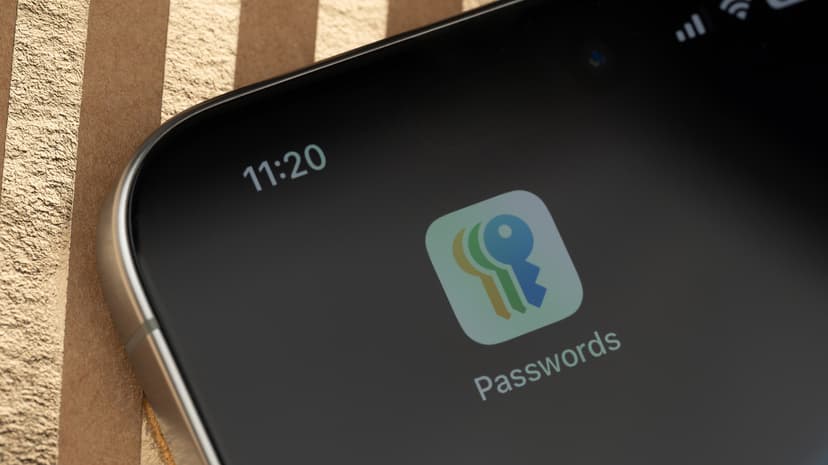
iPhone users may receive password leak warnings, which, while concerning, do not automatically indicate an account hack. Apple's system cross-references saved passwords with a database of leaked credentials and also identifies weak or reused passwords. These flagged accounts are accessible within the dedicated Passwords app for review.
The Passwords app, integrated with iCloud Keychain, offers end-to-end encryption for stored logins and passkeys. For those outside the Apple ecosystem, access is available via Chrome or Edge on Windows. The iPhone securely checks passwords locally and uses privacy-preserving cryptographic methods when comparing against Apple's servers.
It is important to note that Apple's warnings do not specify the source of a leak. Therefore, if the same password is used across multiple sites, a breach on one could compromise others. Users are advised to change flagged passwords immediately on the respective websites and then update them in their password manager.
Beyond changing compromised passwords, users should implement unique credentials for all accounts, particularly for email and banking. Adopting passkeys where available and enabling two-factor authentication are recommended steps to bolster security. Users can verify that compromised password detection is active in Settings.


